

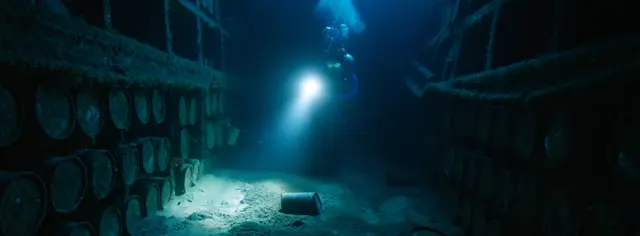

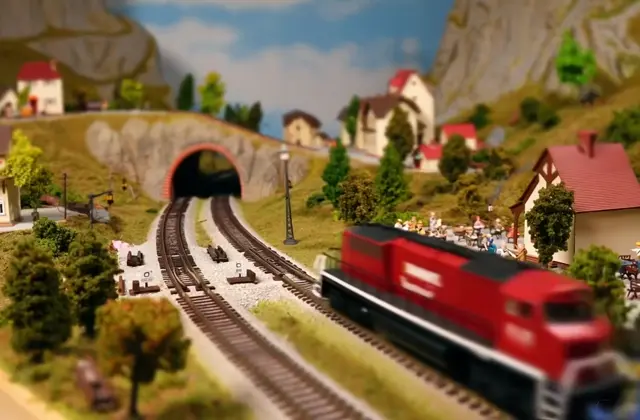

Explore an idea before a full production
A short generated clip can help you compare a scene, mood, or camera idea. Getting a result that fits your project may take several attempts.
Create polished videos from text, start and end frames, or reference images and videos—with up to 30 seconds and native audio.
Create with Wan 3.0 and the wider Wan model family using text, images, reference media, flexible formats, and clear credit pricing.
Use Wan 3.0 for text-to-video, image-to-video, and reference-guided creation with native audio and precise motion control.
Powered by proprietary VAE and Dynamic Image Transformer technology, delivering superior temporal compression and efficient processing for long-form video content.
Generate stunning videos with film-grade quality, featuring detailed hair physics, realistic motion trajectories, and multi-style generation capabilities in both English and Chinese.
Choose the latest Wan 3.0 workflows or earlier Wan models to balance quality, speed, input type, and credit cost for each project.
Explore videos made with Wan AI models, from complex movement and physical simulation to cinematic and product-focused work.
Start with a prompt, an image, or reference media in Wan AI. Choose a workflow and model, then check its input requirements, output settings, and credit estimate before generating. Results may need several attempts and a final review.
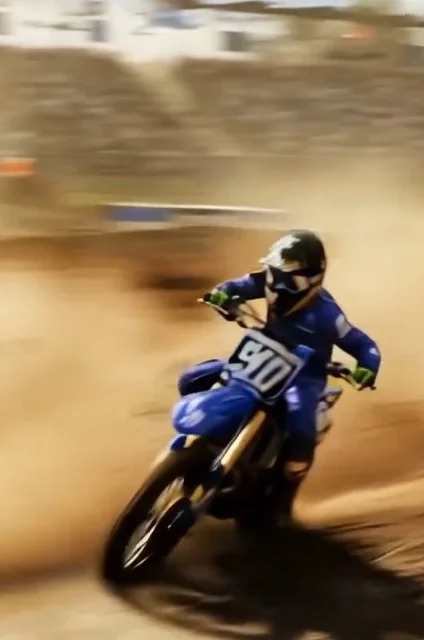
From a single image to a moving story
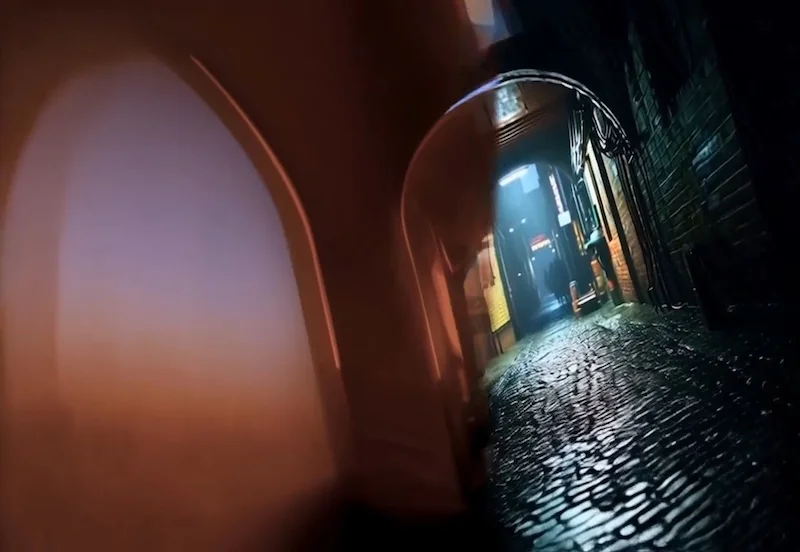
Generate video from text, images, or references, with standard and Prime options.
Explore image generation, image editing, and video workflows on the Wan 2.7 page.
Choose a monthly subscription or buy credits whenever you need them.
Choose a monthly plan for a recurring credit allowance. Subscription credits reset on every billing cycle.
Save 30% for your first 3 months
Start any monthly subscription and create more for less.
Best for new users exploring the platform.
New-user price for the first 3 months
Then USD 29.90 per month
0.21 USD / CreditCancel anytime · Secure checkout
100 Credits per month
All Wan series model support
Text-to-Video, Image-to-Video
Video Effects
No watermark
1 parallel task
Generation history
Commercial License
Credits reset monthly
Best for creators generating videos regularly.
New-user price for the first 3 months
Then USD 49.90 per month
0.17 USD / CreditCancel anytime · Secure checkout
200 Credits per month
All Wan series model support
Text-to-Video, Image-to-Video
Video Effects
No watermark
2 parallel tasks
Generation history
Commercial License
Credits reset monthly
Best for high-volume creation and larger teams.
New-user price for the first 3 months
Then USD 89.90 per month
0.13 USD / CreditCancel anytime · Secure checkout
500 Credits per month
All Wan series model support
Text-to-Video, Image-to-Video
Video Effects
No watermark
5 parallel tasks
Generation history
Commercial License
Credits reset monthly
Purchase credits as needed. No subscription required. Credits never expire.
USD 30.00
One-time payment
0.30 USD / Credit
100 base credits
Credits never expire
USD 60.00
One-time payment
0.26 USD / Credit
Includes bonus credits
200 base credits
+30 bonus credits
15% extra credits
Credits never expire
USD 150.00
One-time payment
0.25 USD / Credit
Includes bonus credits
500 base credits
+100 bonus credits
20% extra credits
Credits never expire
USD 300.00
One-time payment
0.24 USD / Credit
Includes bonus credits
1,000 base credits
+250 bonus credits
25% extra credits
Credits never expire
Choose a resolution and duration to compare credits per video.
Credits per video
Selected configuration: 720p, 5s
Text-to-Video / Image-to-Video / Reference-to-Video
Text-to-Video / Image-to-Video / Reference-to-Video
Text-to-Video / Image-to-Video
Reference-to-Video prices exclude reference video input. Adding reference video costs 3 credits per input second, rounded up.
Text-to-Video / Image-to-Video
Text-to-Video / Image-to-Video
These models are billed per generation and do not use the selectors above.
Available resolutions: 480p / 580p / 720p
Text-to-Video / Image-to-Video
Available resolutions: 580p / 720p
Text-to-Video / Image-to-Video
Available resolutions: 480p / 580p / 720p
Text-to-Video / Image-to-Video
Available resolutions: 480p / 580p / 720p
Text-to-Video
Available resolutions: 480p / 720p
Image-to-Video
Available resolutions: 1080p
Text-to-Video / Image-to-Video
Available resolutions: 480p / 720p
First-Last-Frame-to-Video
Available resolutions: 480p / 580p / 720p
Image-to-Video
Available resolutions: 480p / 580p / 720p
Image-to-Video
Available resolutions: 480p
Effects
Secure Payment Experience · Flexible Payment Options
Subscribe or purchase credits anytime. We use Stripe to ensure your payment information is always secure.
Practical ways to use the workspace, with a realistic view of iteration, credit costs, and reviewing generated results.
A short generated clip can help you compare a scene, mood, or camera idea. Getting a result that fits your project may take several attempts.
Image-to-video starts from your uploaded image. A clear source and a focused motion prompt can guide the result, but faces and fine details still need review.
The workspace offers different input types and output settings. Check the selected model's options rather than assuming every workflow has the same capabilities.
Review the credit estimate before each generation. Trying another prompt or setting creates a new task with its own cost, so start with a focused test.
Check motion, text, character details, and audio before publishing. A useful generated shot may still need editing, sound adjustments, or another generation.
Generation history lets you revisit tasks and completed outputs. Keep your source files and useful prompts so you can compare results and continue refining an idea.
Learn about models, inputs, generation settings, and credits before you start creating with Wan AI.
Create videos from text, images, or reference media, generate images, and use supported editing and effects workflows. Available inputs and controls depend on the model you select.
The workspace includes Wan 3.0, Wan 2.7, and earlier models. Choose a workflow first, then compare the available models, output settings, and credit cost for your project.
Generation time varies with the model, output settings, and service demand. Follow the progress in the workspace and check your history for completed results; a fixed completion time is not guaranteed.
Duration and resolution options vary by model and workflow. Check the controls for your selected model before generating; the same settings are not available for every model.
Supported workflows accept reference images, video, or audio. Select a model to see the required inputs and upload limits, and only upload material you have permission to use.
The credit cost depends on your selected model and output settings. Review the cost before confirming a generation. The pricing page explains monthly plans and one-time credit packages.
One-time credit packages provide permanent credits. Monthly subscription credits follow the subscription billing period. Review the pricing page and your account balance for details.
Describe the subject, setting, and intended motion clearly. Use suitable reference media, review the model guidance, and refine one part of your prompt or settings at a time. Results can vary between generations.
Sign in and open your video or image history to view your generations. Keep a downloaded copy of results you want to retain.
Start with the usage guide for workflow instructions. For account, billing, or generation issues, contact support with the relevant details. Review the privacy and refund policies before using the service or purchasing credits.
Stay updated with the latest news and announcements from Wan 2.1.