Transform text and image inputs into high-quality videos with superior movement accuracy.
Generate high-resolution, photorealistic images with powerful prompt understanding and fine-grained visual detail.
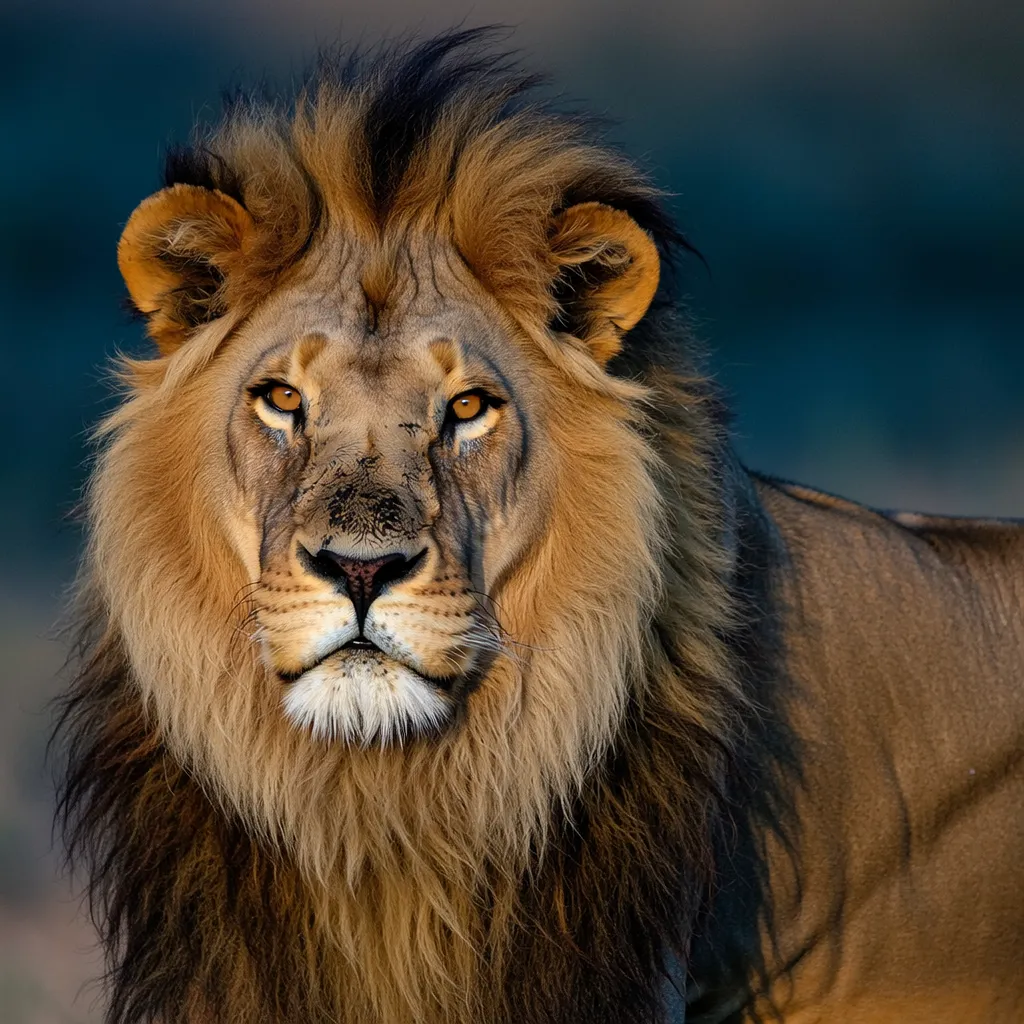
Wan 2.7's advanced model interprets complex prompts with multiple subjects, styles, and compositions.
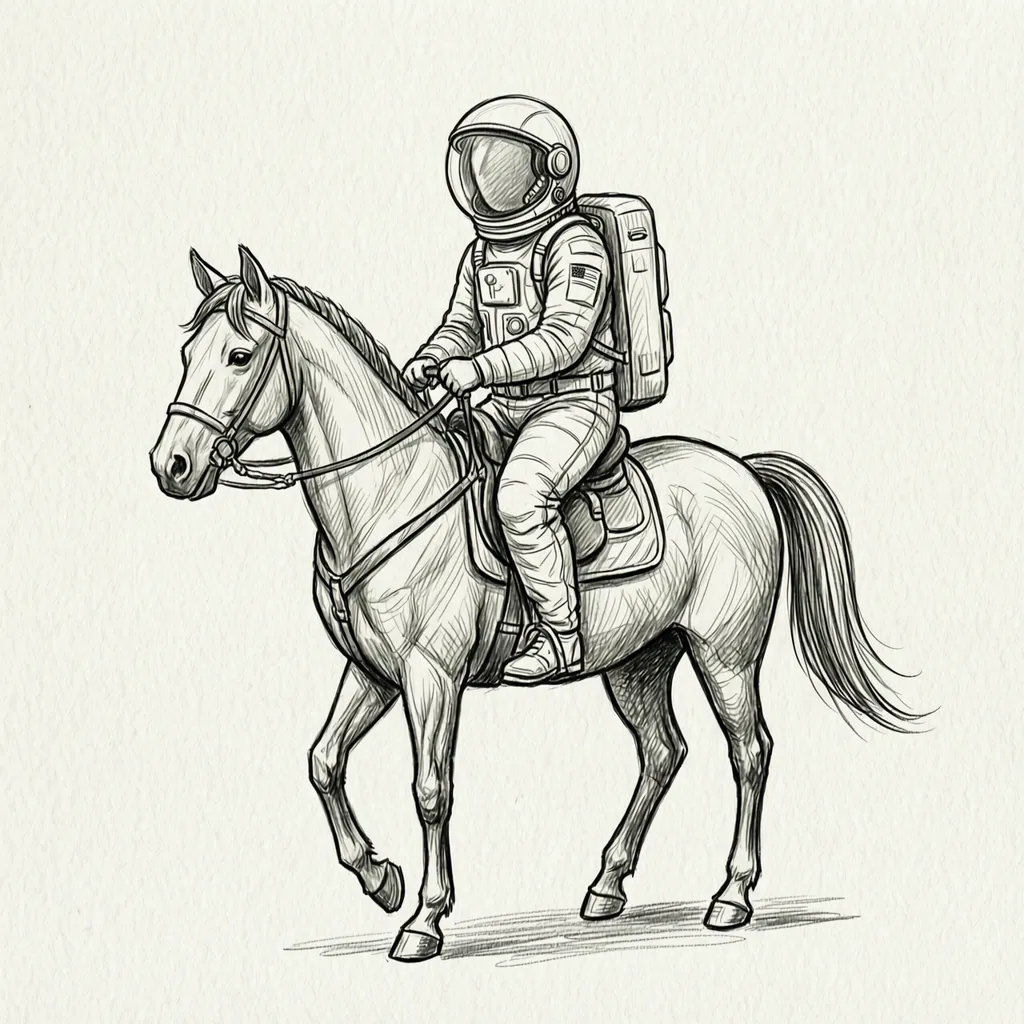
Choose from Wan 2.2, 2.6, and 2.7 models, each with unique strengths for different use cases.
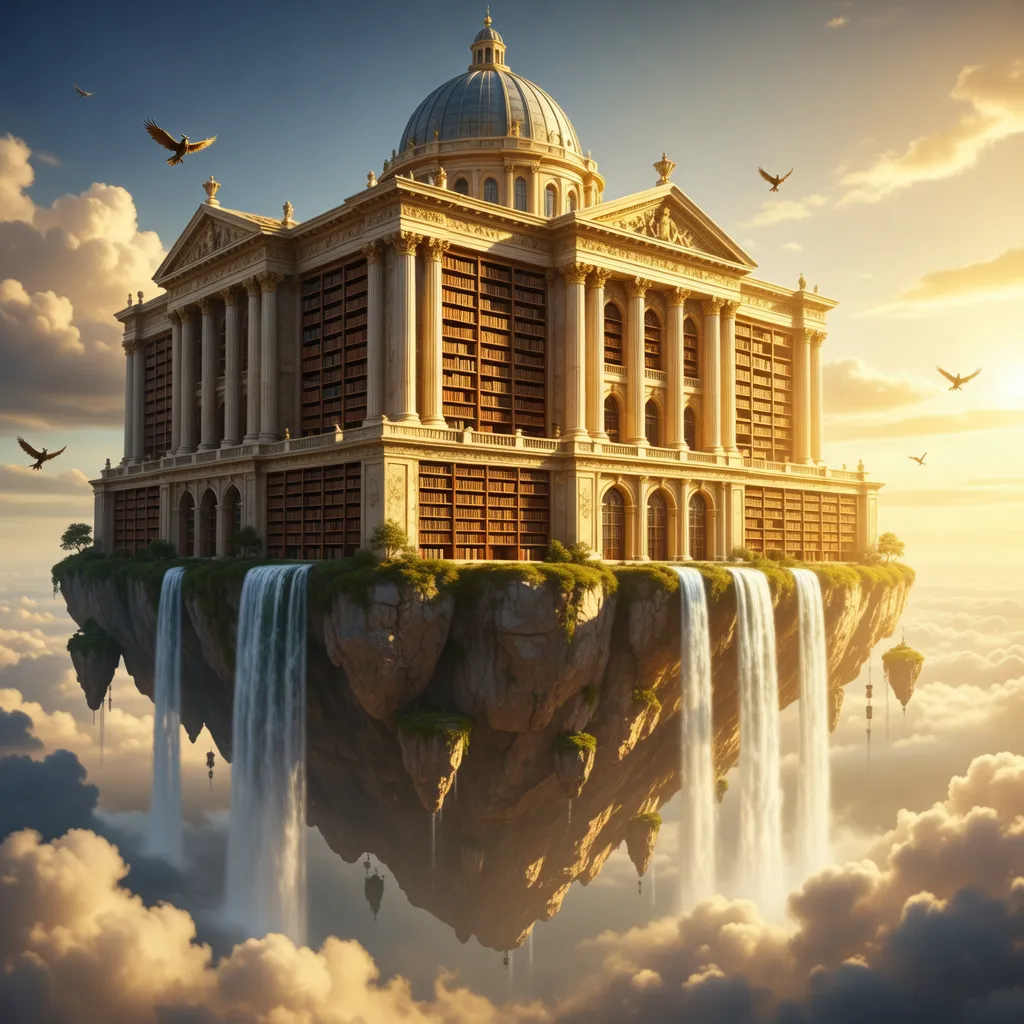
Create stunning images from text descriptions in just a few steps.
Describe the image you want to generate in detail.
Select the Wan model version that best fits your needs.
Pick the aspect ratio that suits your use case.
Click generate and download your high-quality image.
Learn how to craft prompts that produce amazing video results
Subject + Action + Environment + Style + Details
Clearly describe the main subject or character
Specify what the subject is doing
Set the scene and background
Define the visual style and mood
Add specific visual details and camera angles
A majestic golden retriever wearing a chef's hat stands at a wooden kitchen counter, skillfully slicing fresh red tomatoes with a sharp knife, steam rising from a pot on the stove, warm afternoon light filtering through the window, photorealistic style, close-up shot
Dog cooking
Content Creator
“Wan AI has revolutionized my content creation workflow. The quality of generated videos is incredible, and the interface is so intuitive.”

Marketing Director
“Our marketing team now produces video content 10x faster. The AI understands our brand voice perfectly.”

Educator
“Creating engaging educational videos has never been easier. My students love the dynamic visualizations.”
WAN 2.5 Preview is the latest version, featuring advanced audio capabilities that allow adding synchronized sound to videos. Compared to Google Veo 3, WAN 2.5 is more affordable, supports more formats, and delivers longer video clips.
Our AI generates videos in multiple resolutions up to 1080p, with options for 480p, 720p, and 1080p depending on your selected model and plan.
Generated videos are typically 5-10 seconds long, capturing the key moments described in your prompt. Some advanced models support longer durations.
Credits are consumed based on the model type, resolution, and video length. Higher quality models and settings use more credits. You can purchase additional credits anytime.
Yes, you own full commercial rights to videos generated with your credits. Check our terms of service for complete usage guidelines.